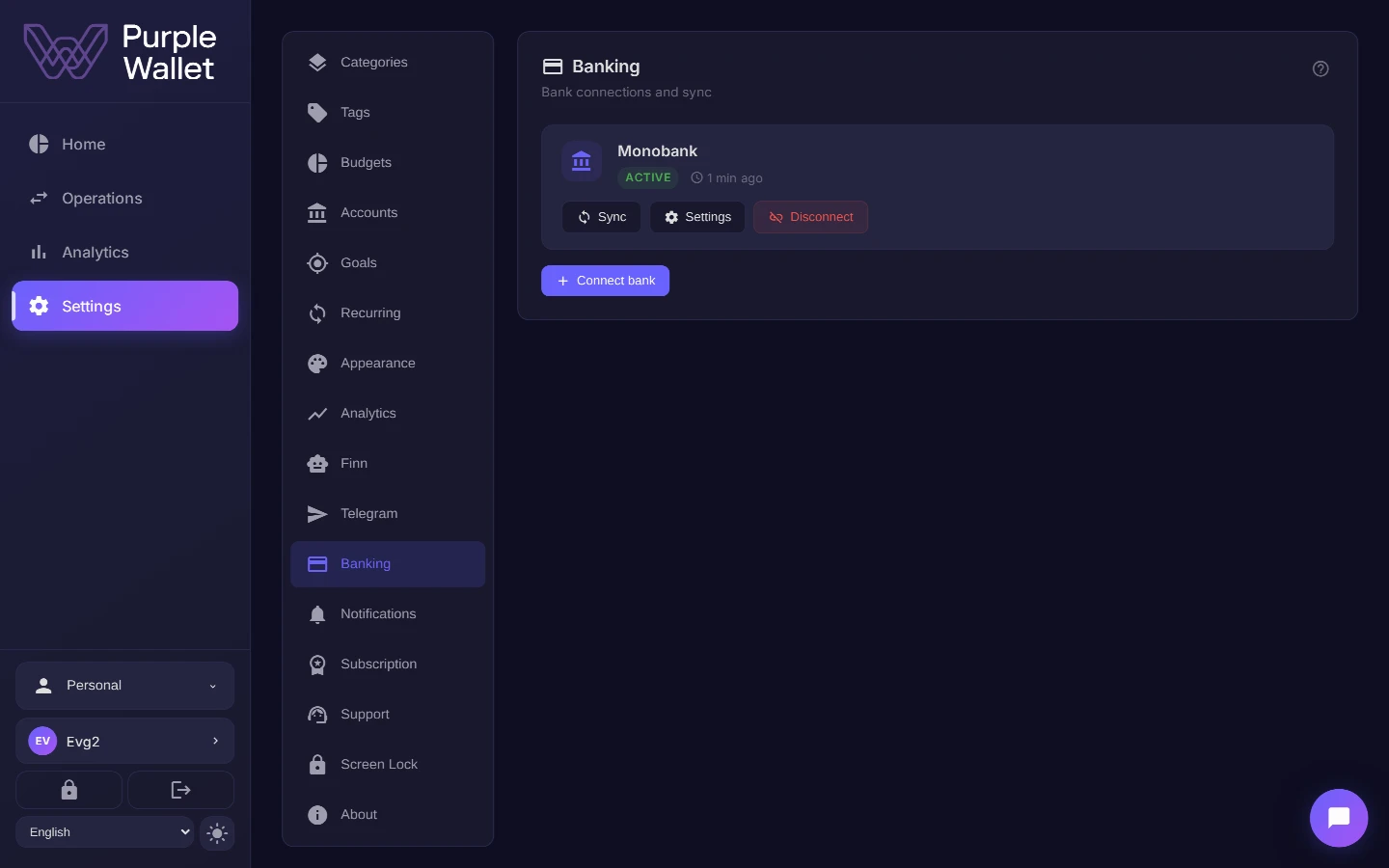
Typing each transaction by hand is slow, and some get forgotten.
The bank sends transactions itself — nothing is lost.


Connect your bank — and transactions land in your records and sort themselves into categories. You type nothing by hand, and at month end everything adds up.
Typing each transaction by hand is slow, and some get forgotten.
The bank sends transactions itself — nothing is lost.
Sorting spending into categories by hand is a chore.
Transactions are categorized automatically, right as they arrive.
No supported bank — tracking stalls.
CSV statement import: bring your history over in a couple of steps.
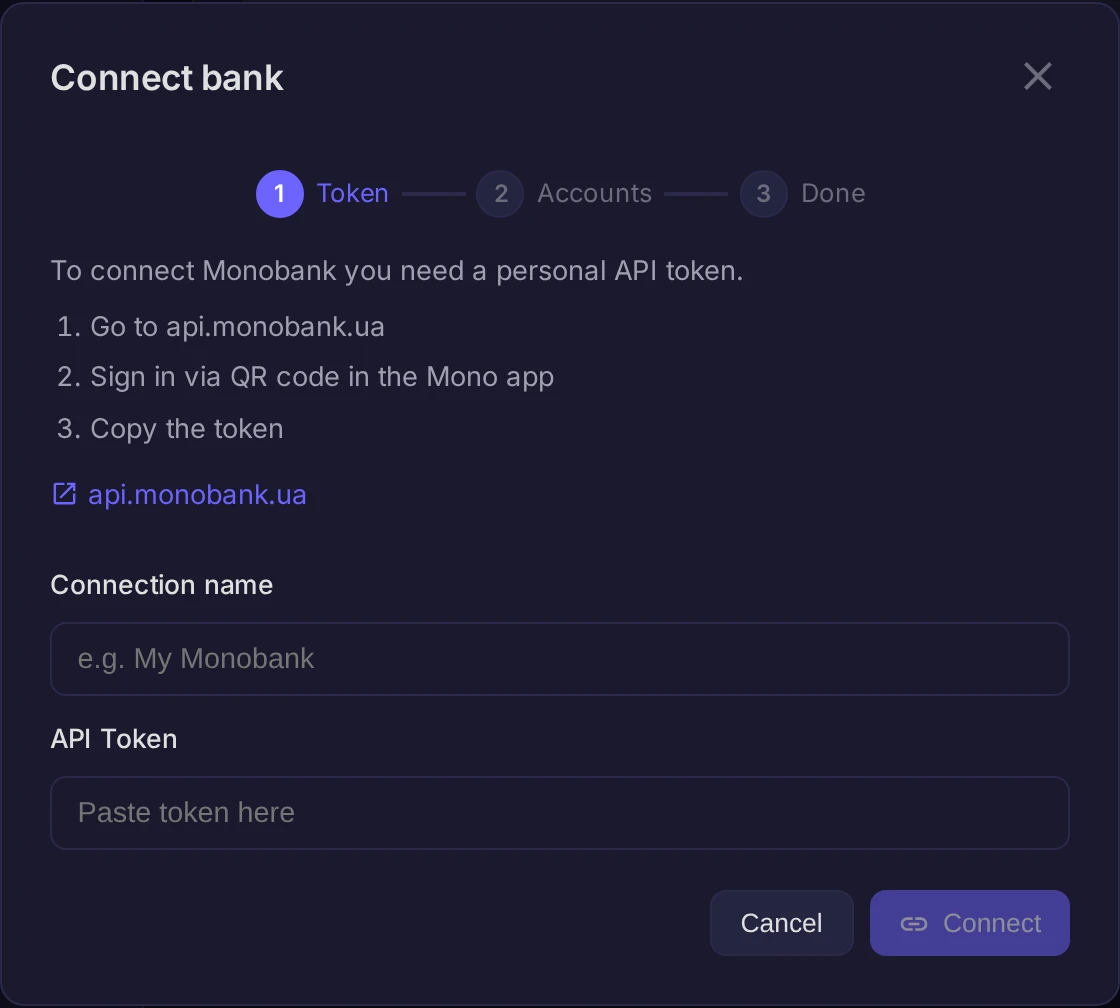
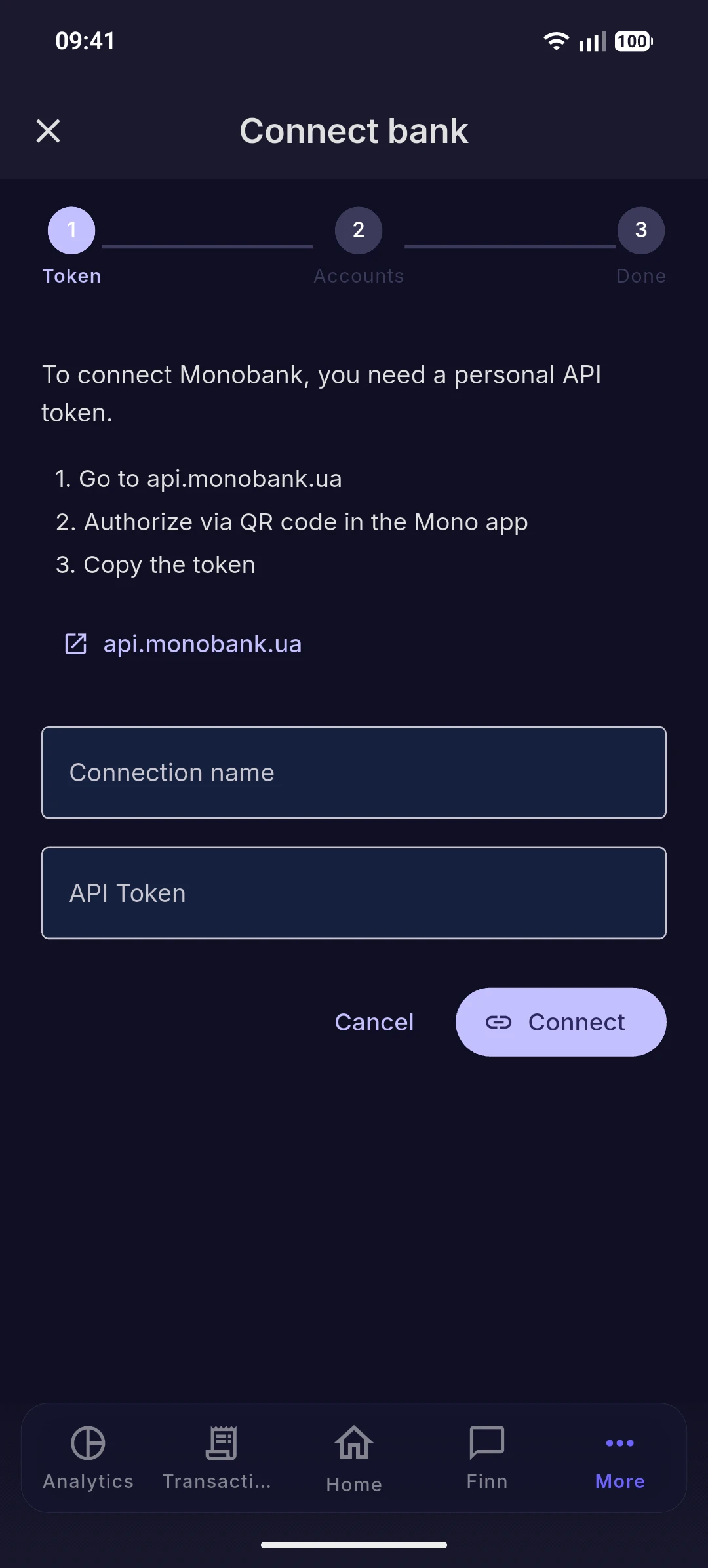
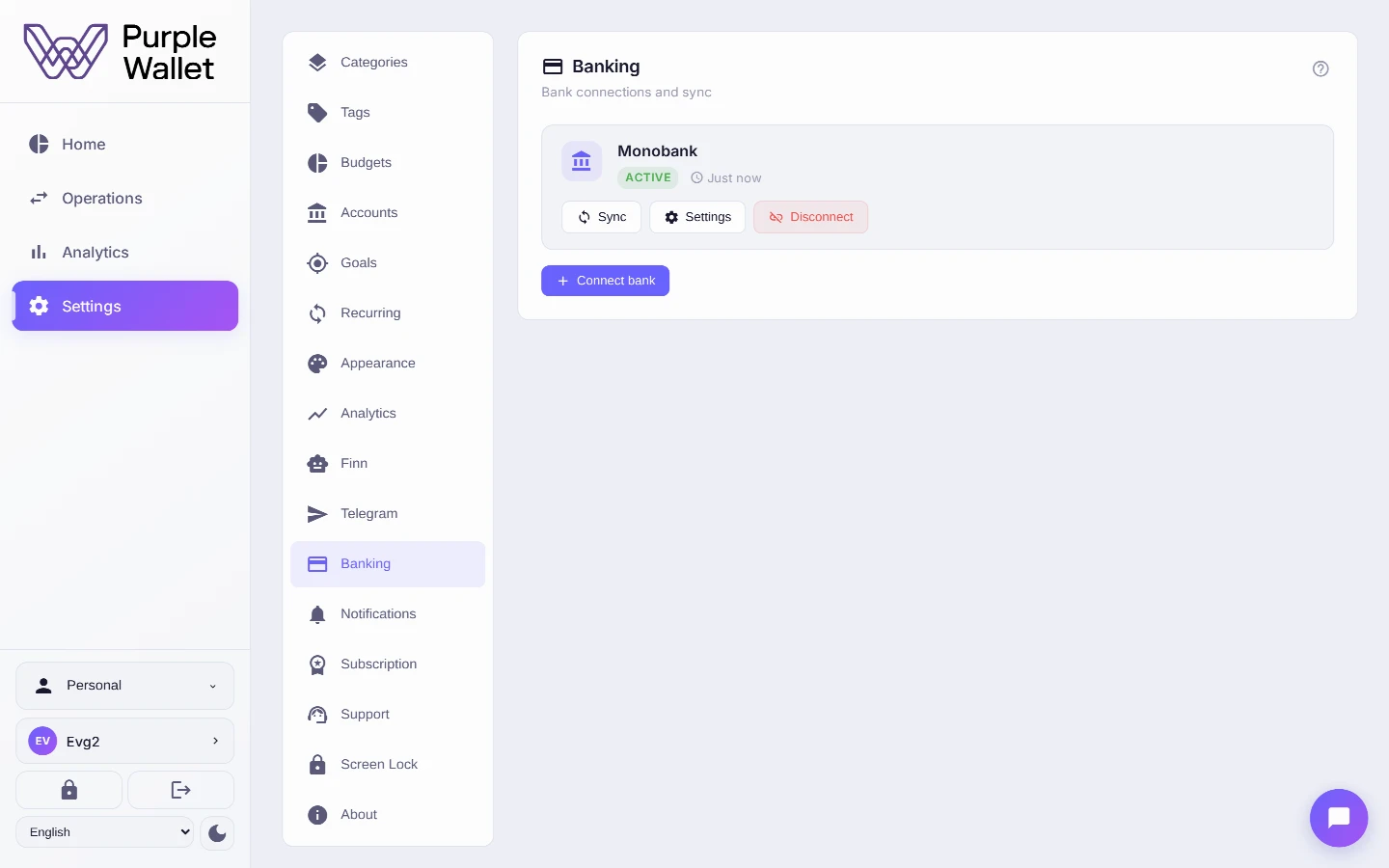
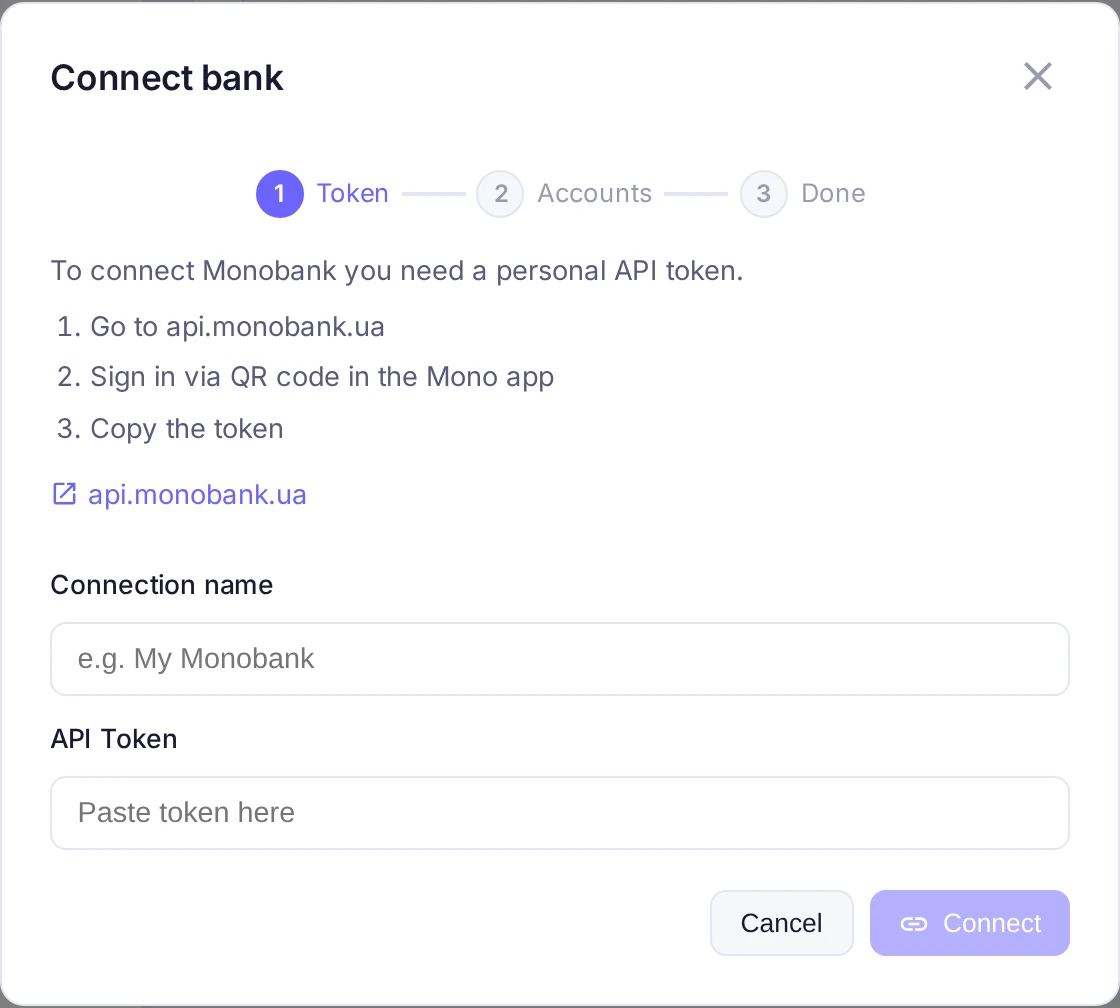
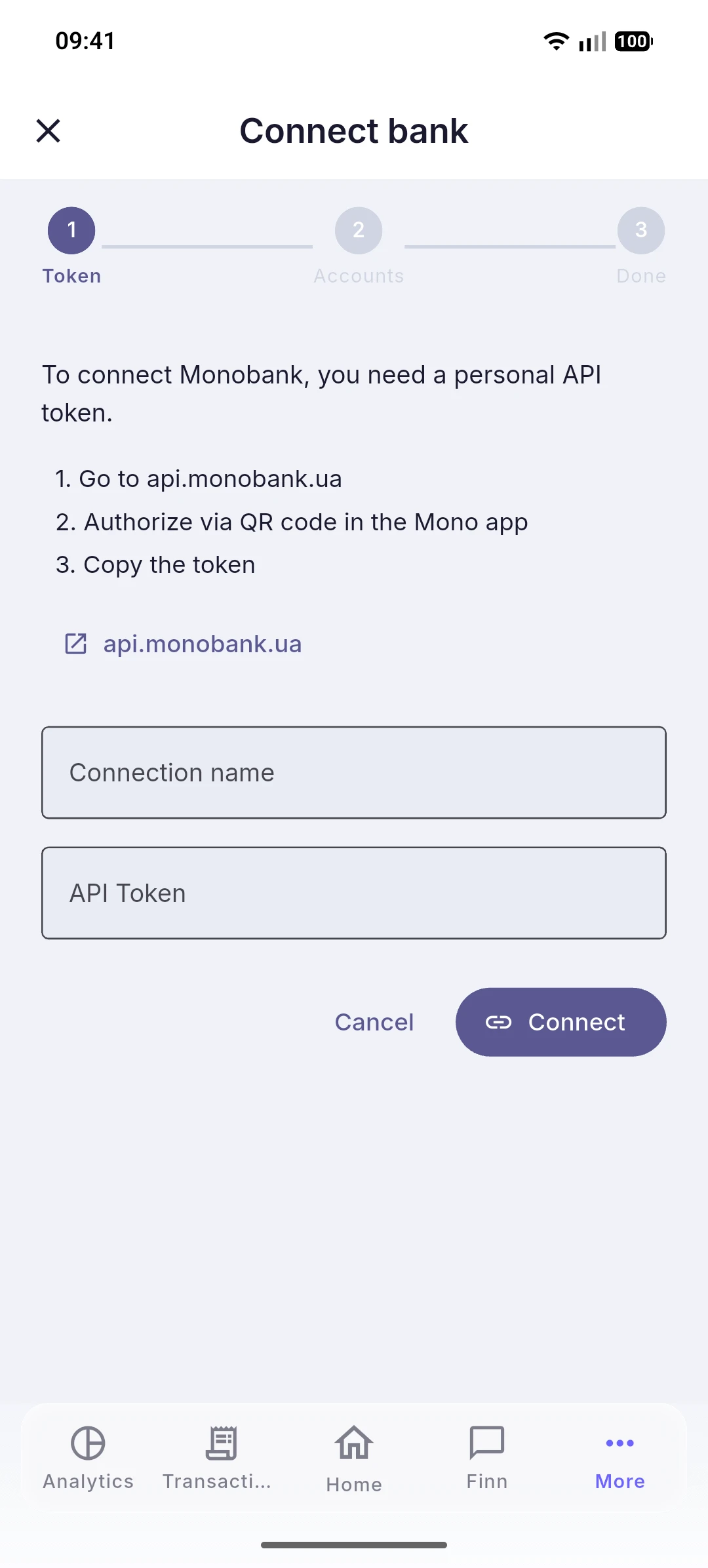
Connect Monobank once — transactions land automatically, with balance and sync status. Monobank today, more banks to come.
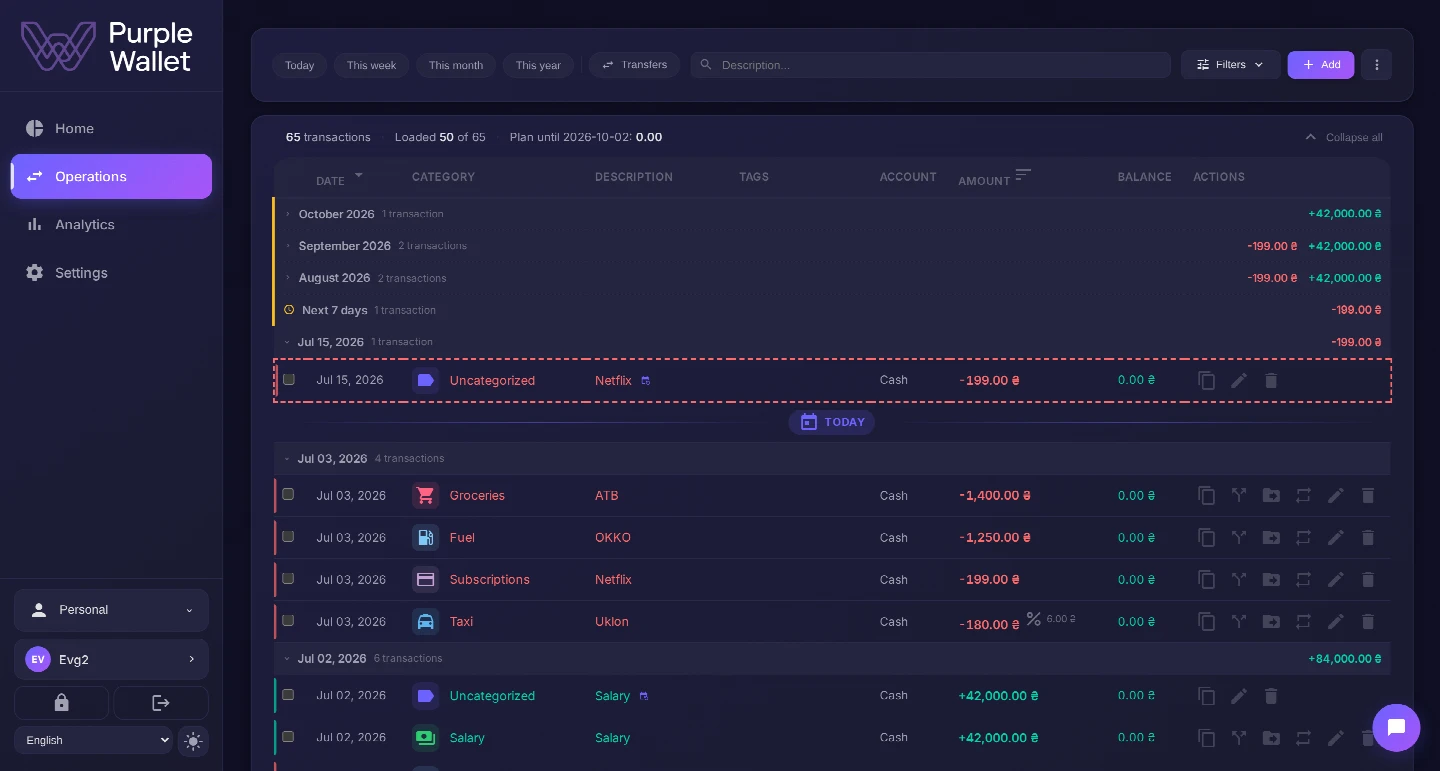
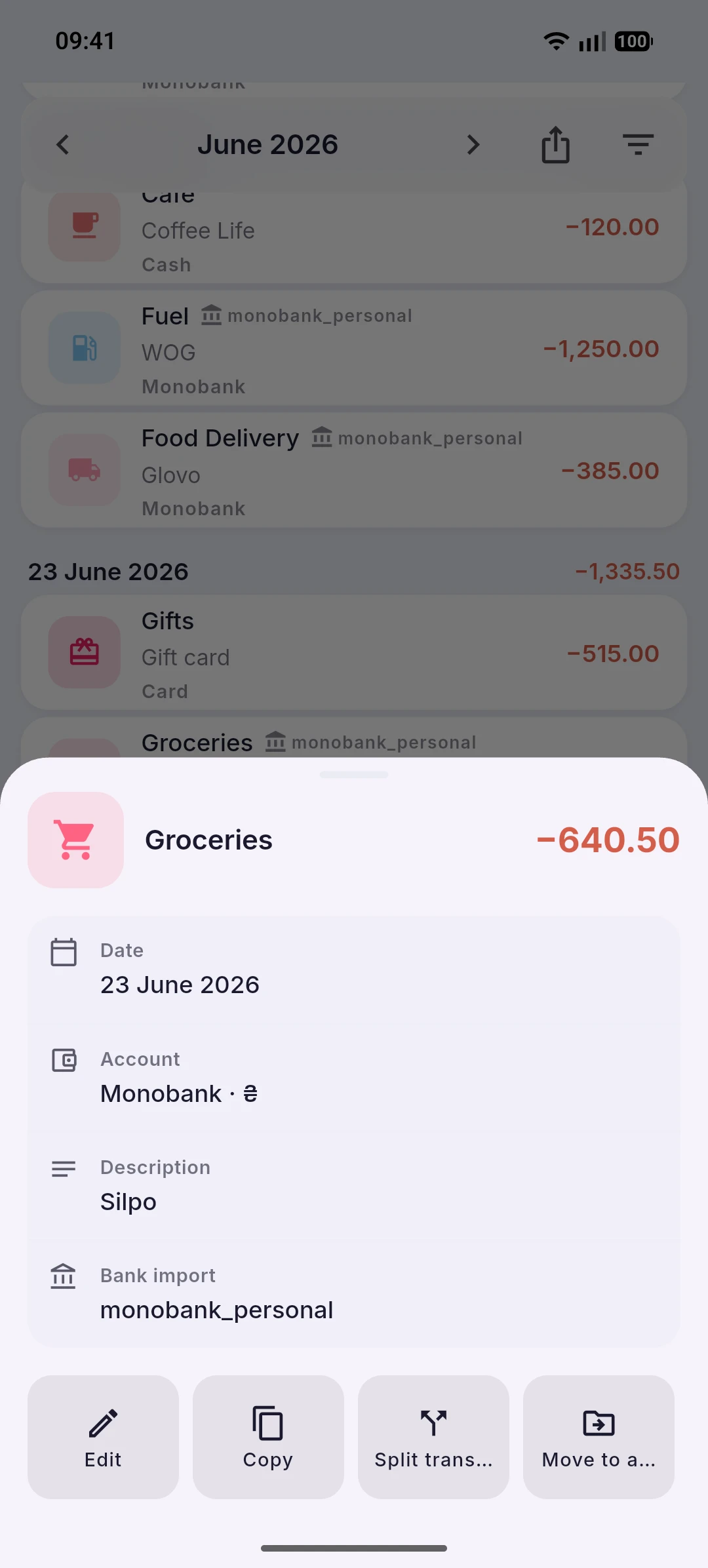
Spending sorts itself into categories — groceries, transport, cafés. The transaction feed arrives already organized, with no manual sorting.
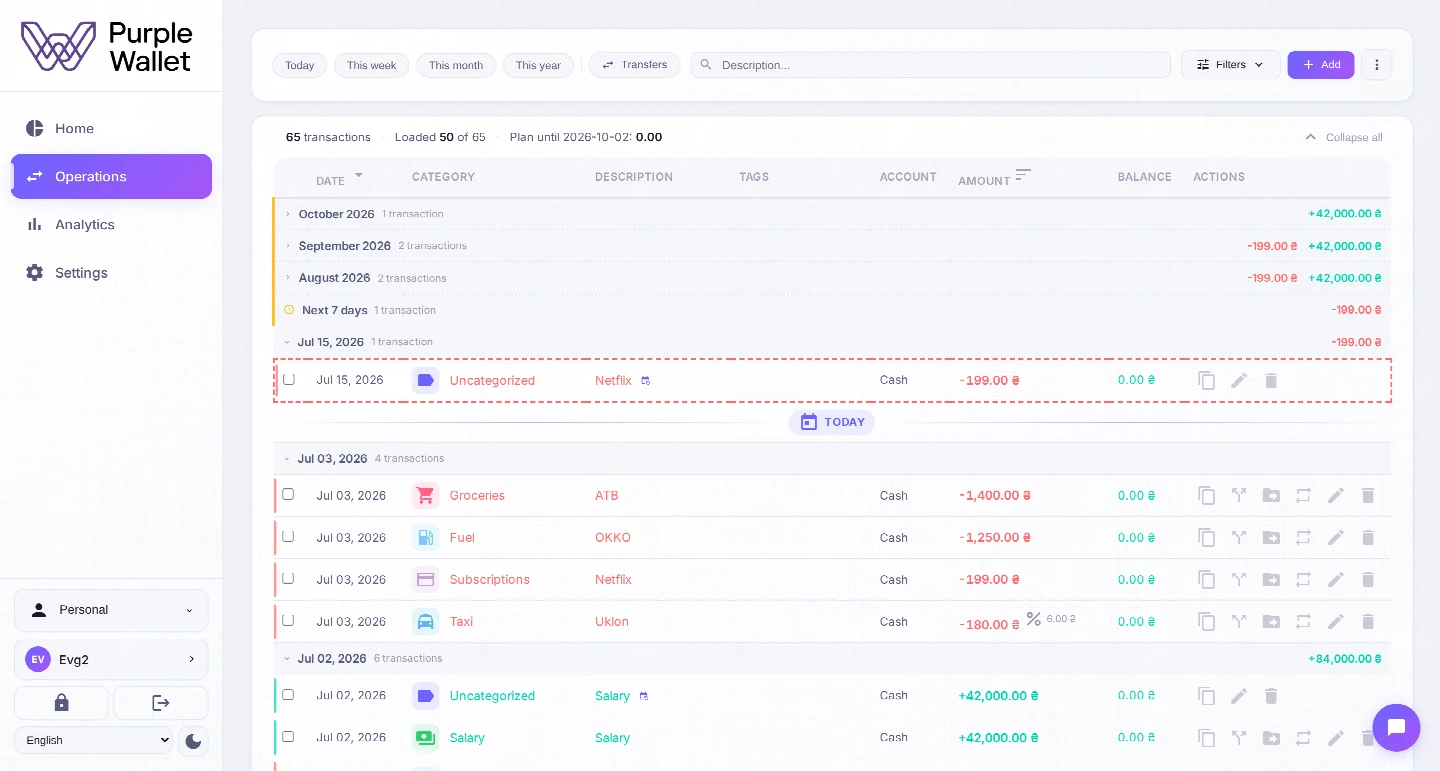
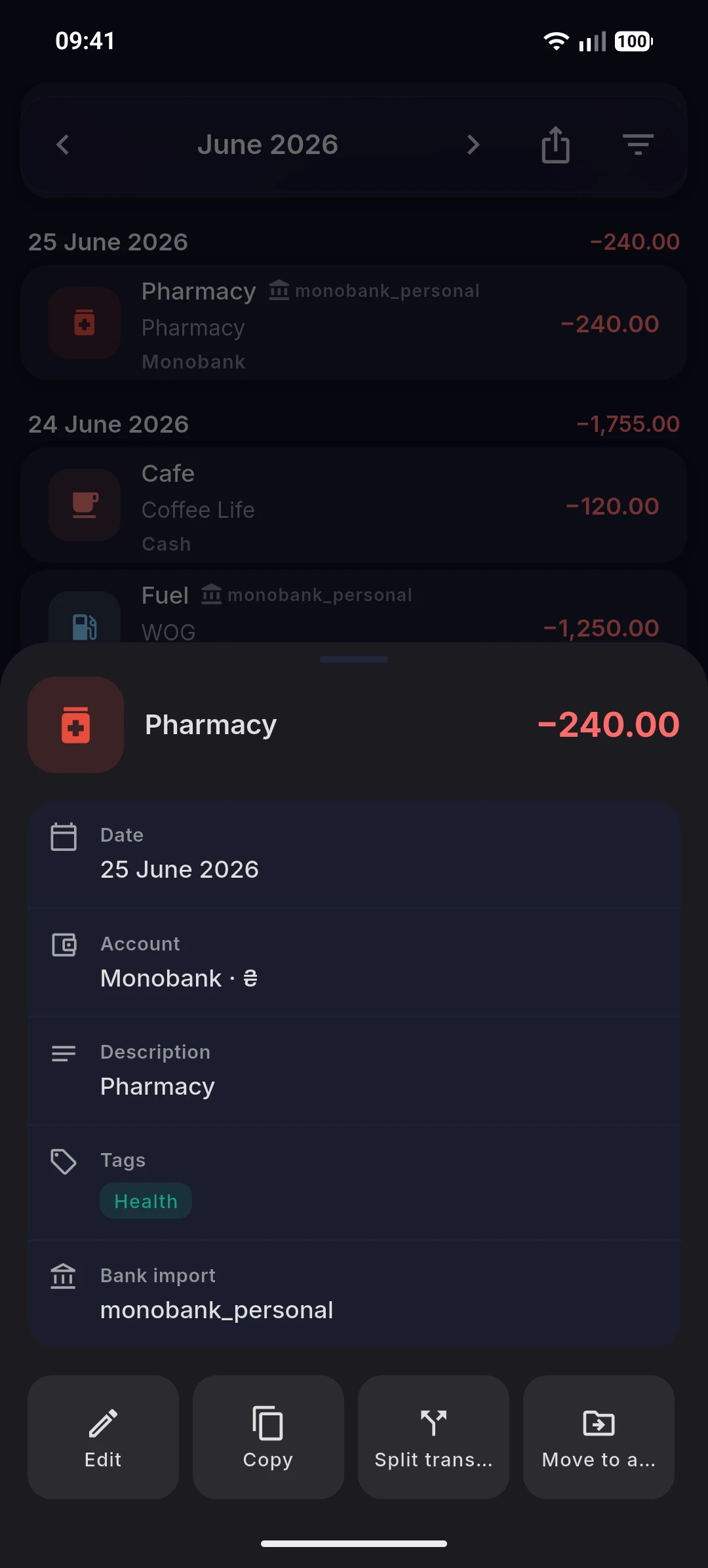
Amount, date and account come from the bank — that is a fact, untouched. Category, tags and notes you edit freely: the meaning of a transaction is always yours.
For banks without a direct connection — CSV statement import. Your transaction history moves into the records, and everything works the same from there.
Calm tracking that starts helping from day one.